Get Marketing Insights First
Subscribe to receive actionable strategies, growth tips, and industry insights delivered straight to your inbox.

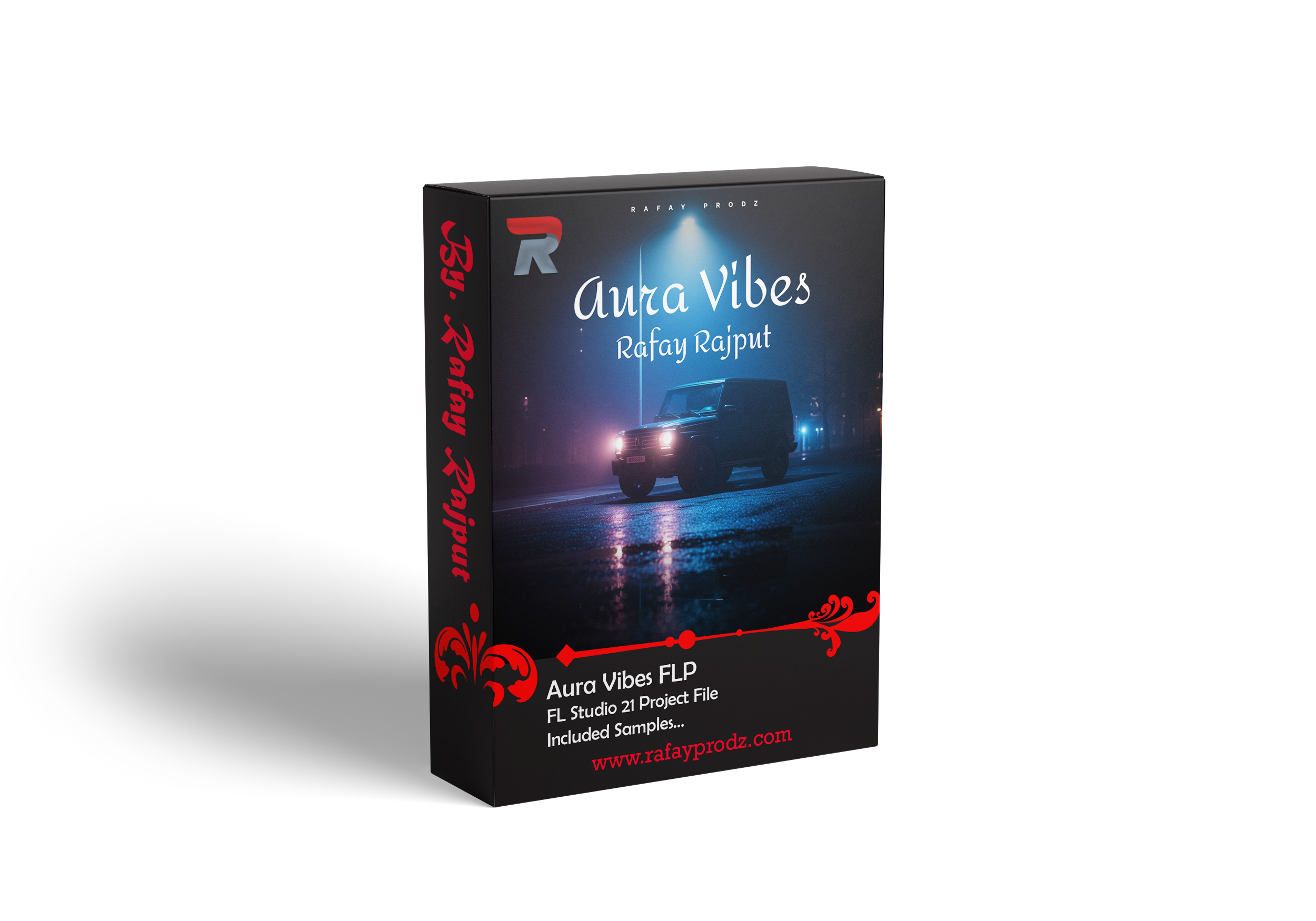
In This Beat, I used a Sample Aura Vibes taken from the Aura Vibes Melody Pack by Rafay Rajput.
I created Aura Vibes in FL Studio at 168 BPM in B minor, aiming for a melodic trap vibe that feels both emotional and energetic. The goal was to turn simple melody pack elements into a full, professional beat using layering and arrangement.
I started with the main keys loop from the Aura Vibes Melody Pack. It had a smooth and catchy tone, so I decided to build the entire beat around it. Instead of changing the melody too much, I focused on how I could arrange and layer it to keep things interesting.
| Requirements |
|---|
| 1. FL Studio 25 With Stock Plugins |
I began by laying out a basic structure in the playlist.
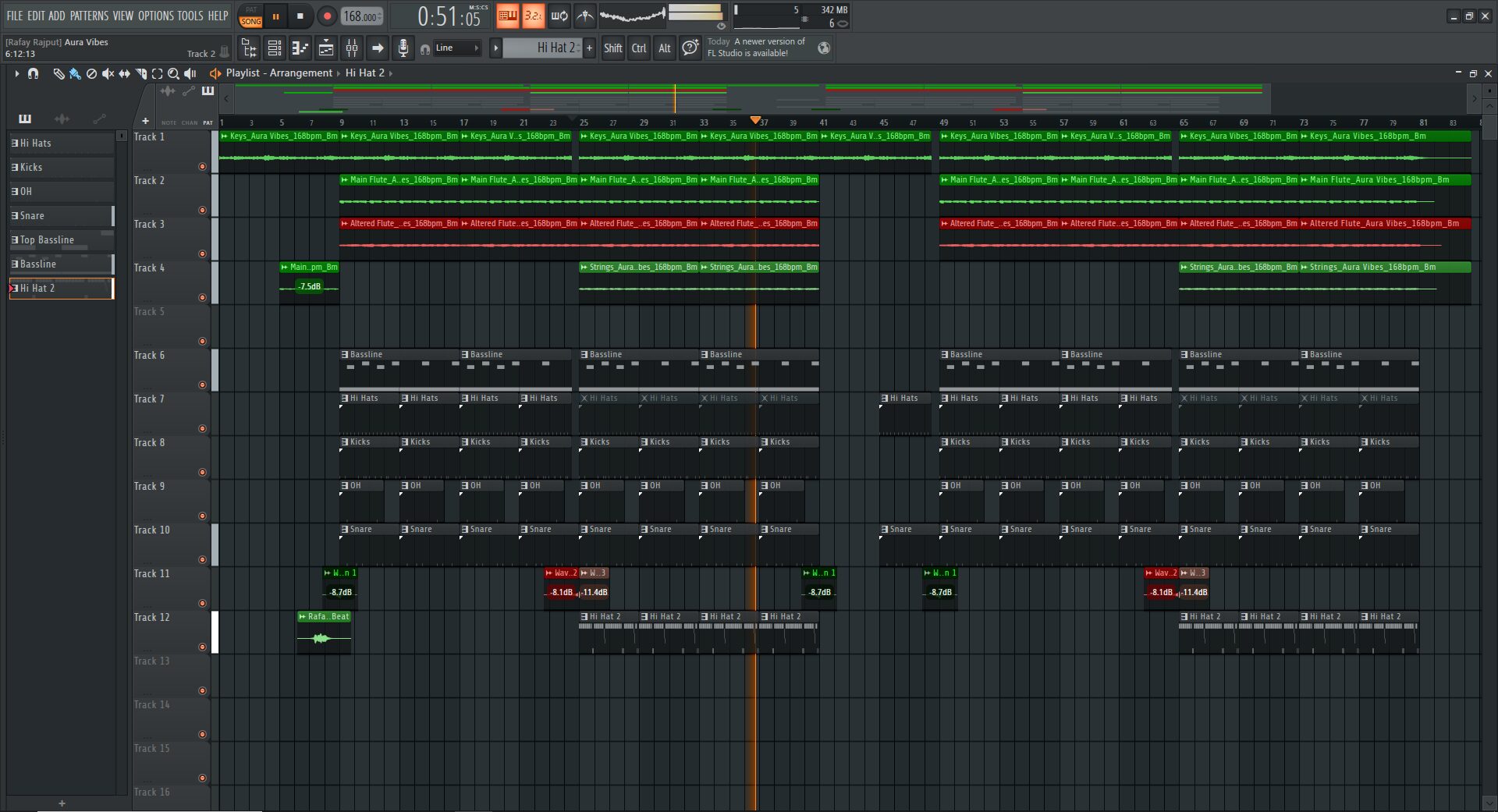
For the intro, I only used the keys to keep it simple and let the vibe set naturally. Then, I moved into a build-up by adding a main flute layer to increase tension before the drop.
When I reached the hook, I brought in all the elements together, keys, flute, altered flute, and later strings, along with full drums to create maximum energy.
For the verse, I removed some layers like strings or extra melodies to give space for vocals, while keeping the drums consistent.
I repeated the hook for impact, and finally created an outro by gradually removing elements and letting the melody fade out smoothly.
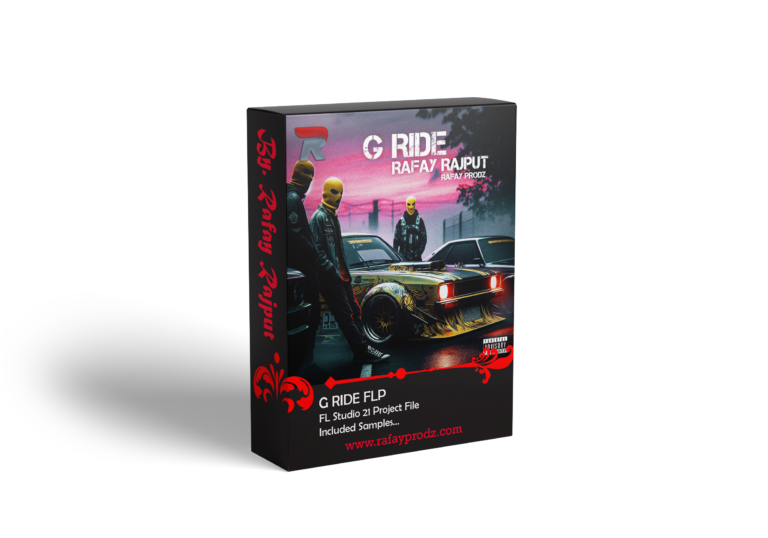
Download G Ride – Street Anthem – FLP
| Details |
|---|
| Name | Aura Vibes |
| Tempo | 168 BPM |
| Scale | B Minor |
| Size | 17.94 MB |
| Prod. By | Rafay Rajput |
| Compatible Daw | FL Studio 25 |
| File Format | ZIP* (includes FLP) |
| Beat Code | RP1103 |
After setting the structure, I focused on building the melody.
I kept the keys as the main foundation since they carried the emotional feel of the beat. Then I added a main flute to give the track a strong melodic identity.
To make it more unique, I used an altered flute version, slightly processed or pitched differently, which added texture and variation without changing the core vibe.
Later in the hook sections, I introduced strings to make the beat sound wider and more cinematic. This helped the hook feel bigger and more powerful compared to the verse.
I started with the 808, making sure it was clean and matched the key of the melody. I kept the pattern simple but effective so it could hit hard without sounding messy.
Then I added kicks, placing them carefully to work with the 808 and create a strong bounce.
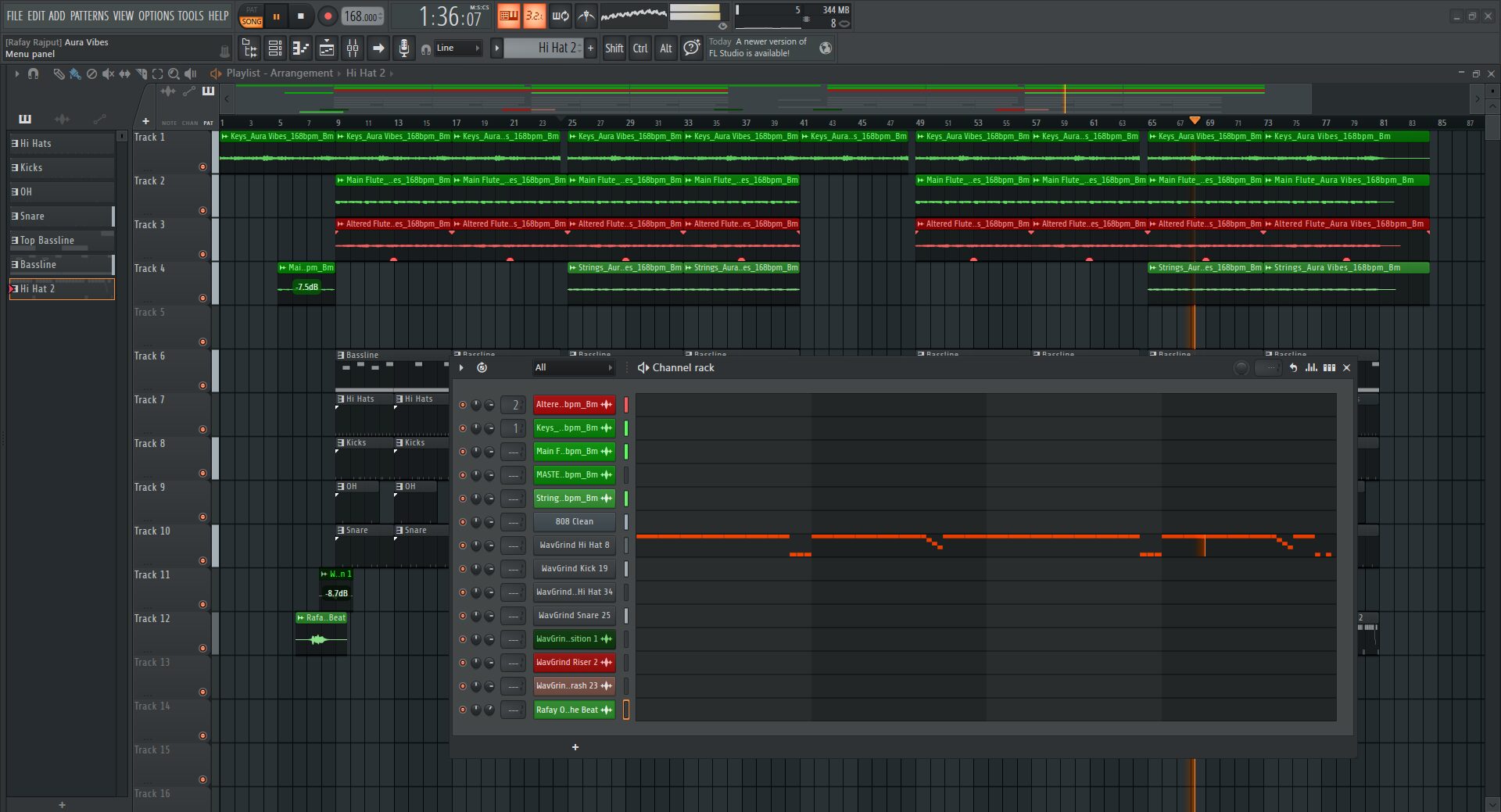
For the rhythm, I play hi-hats with fast rolls and small variations to keep the beat moving. I also added a second hi-hat layer in some parts to add more energy.
The snare was placed in a standard trap pattern to keep everything grounded, while open hats were used to add groove and highlight transitions.
After finishing the main elements, I added some FX and transitions.
I used small impact sounds and automation to make the transitions between sections smoother. I also included my beat tag (Rafay Rajput) for branding, keeping it subtle so it doesn’t interrupt the flow.
I made sure the hooks felt full and powerful, while the verses had enough space for vocals. I also adjusted levels so every sound sits clearly in the mix without clashing.
In the end, Aura Vibes turned out to be a clean and professional melodic trap beat that combines emotional melodies with hard drums. It shows how effective a melody pack can be when used with proper arrangement and layering.