Get Marketing Insights First
Subscribe to receive actionable strategies, growth tips, and industry insights delivered straight to your inbox.

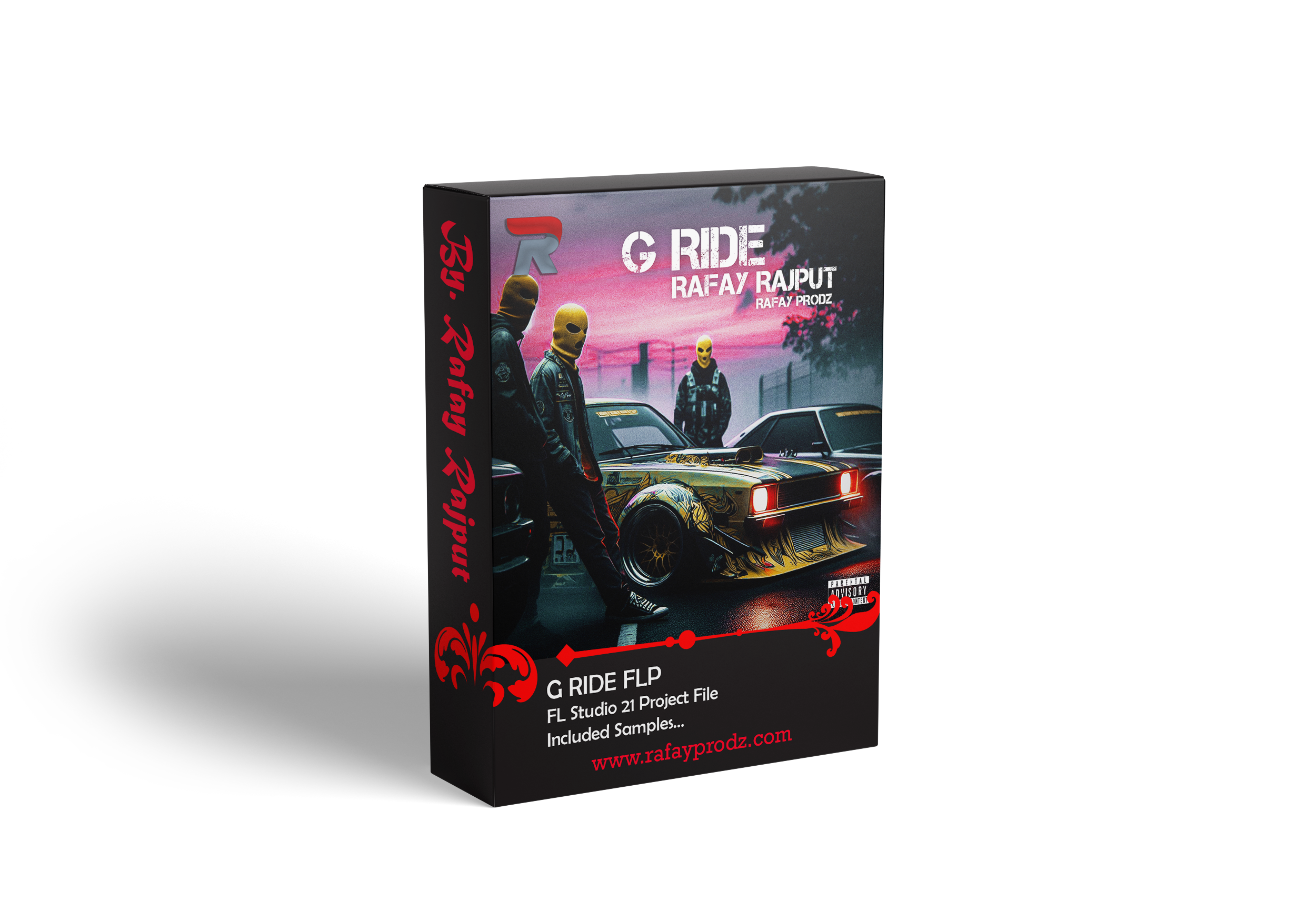
If you’re aiming to create a hard-hitting street anthem that carries both emotion and authority, “G RIDE” is a perfect example of how arrangement, sound selection, and structure come together to deliver that signature urban energy. Built inside FL Studio, this beat showcases a clean, professional layout that reflects modern trap and street music production techniques.
In this article, we’ll break down the G RIDE beat arrangement, sound design, structure, and production techniques, giving you a complete understanding of how to create something similar for your own music or sound kits.
| Requirements |
|---|
| 1. FL Studio 25 With Stock Plugins |
| 2. Arturia Pigments 4 |
| 3. Xpand! 2 |
| 4. iZotope Ozone 10 Advanced |
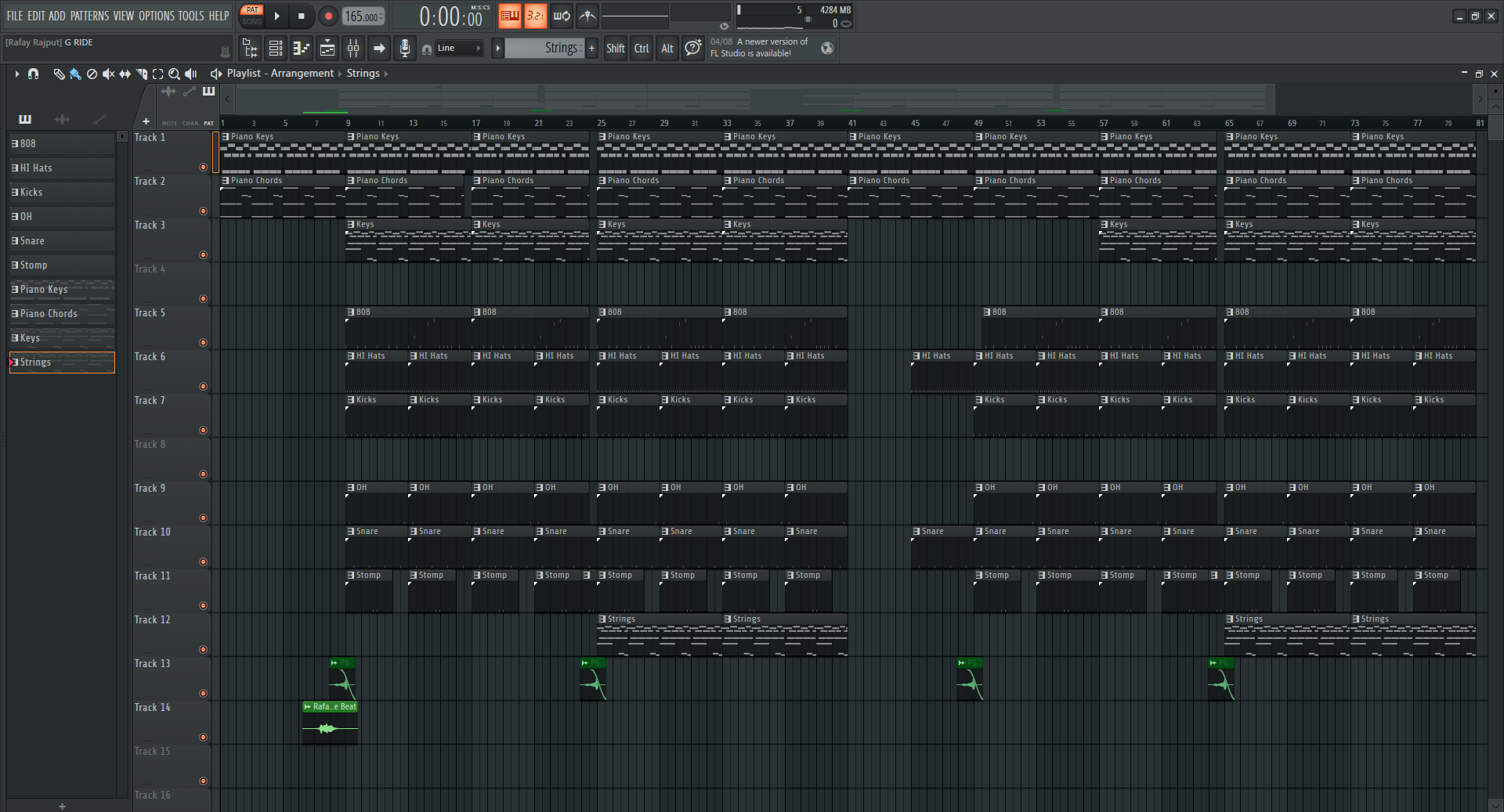
G RIDE – Look at the playlist. The beat is divided into multiple layers:
This G RIDE Beat layered structure is essential in modern trap production. Every sound has a purpose.
Intro
The track begins with melodic elements like piano keys and piano chords, setting the emotional tone. This section is minimal, allowing artists to ease into the beat or use it for storytelling intros.
Hook (Chorus)
The energy rises as drums and 808s come in. This is the most powerful section of the beat, designed to be catchy and impactful.
Verse
The arrangement slightly strips back, removing some elements to create space for vocals. This allows artists to deliver clear and focused lyrics.
Hook (Repeat)
The full energy returns, reinforcing the track’s main theme.
Verse 2
A variation of the first verse, sometimes including subtle additions like strings or extra percussion to keep things fresh.
Outro
The beat gradually fades out or returns to a melodic focus, giving a smooth ending.
Download FRAGMENTS – Dark Type Beat FLP
| Details |
|---|
| Name | G RIDE |
| Tempo | 165 BPM |
| Scale | E Minor |
| Size | 6.11 MB |
| Prod. By | Rafay Rajput |
| Compatible Daw | FL Studio 25 |
| File Format | ZIP* (includes FLP) |
| Beat Code | RP1102 |
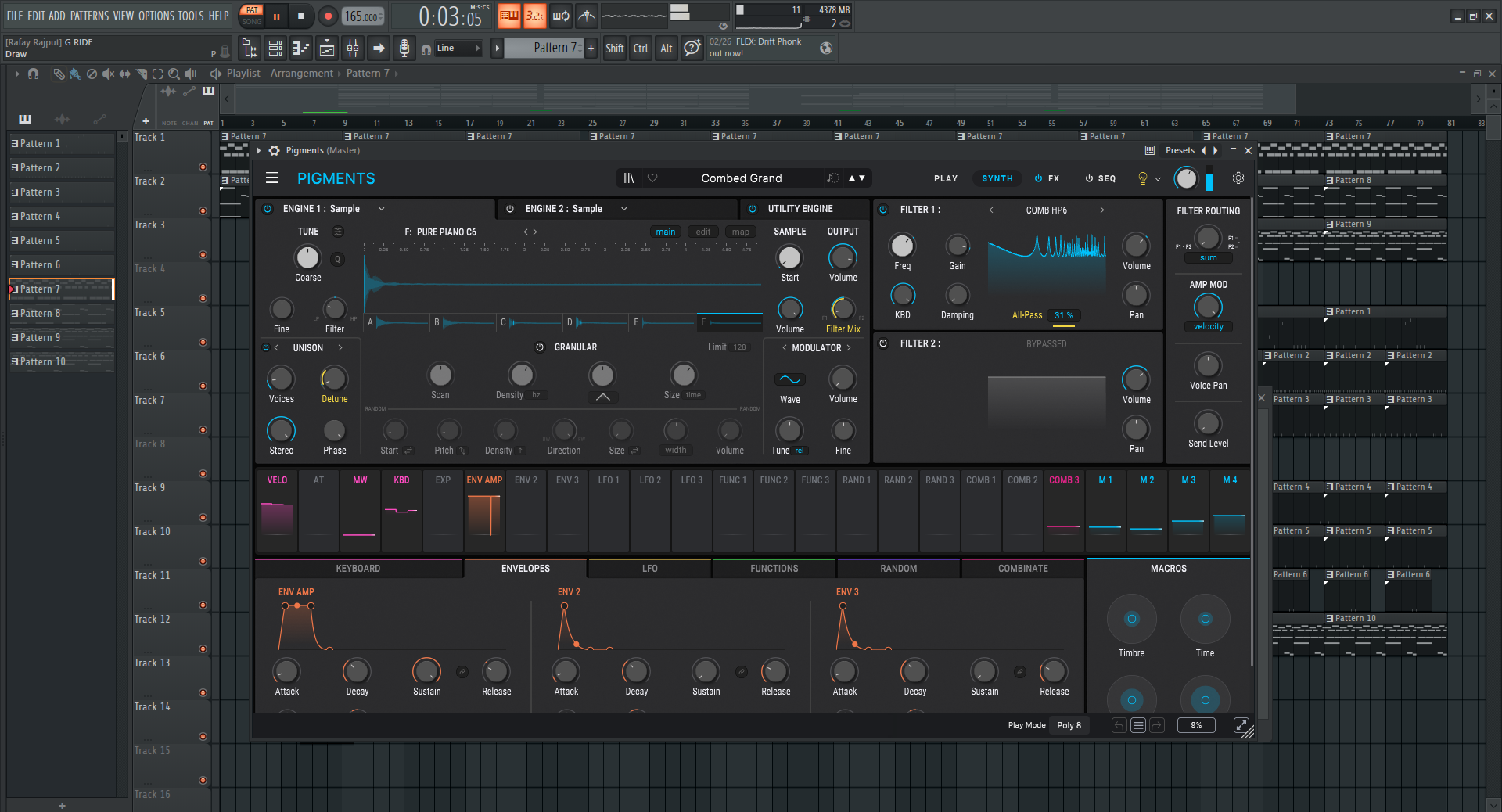
The Piano Keys pattern runs throughout the track.
Acts as the main melodic identity
Keeps consistency across sections
Sets the emotional tone
In street beats like G RIDE, piano melodies are usually:
2. Piano Chords
Placed under the melody, these chords:
Fill out the sound
Add depth and fullness
Create emotional weight
This combination of keys + chords is what gives the beat its “anthem feel”.
Chords Played With FL Keys (Built-in Plugin)
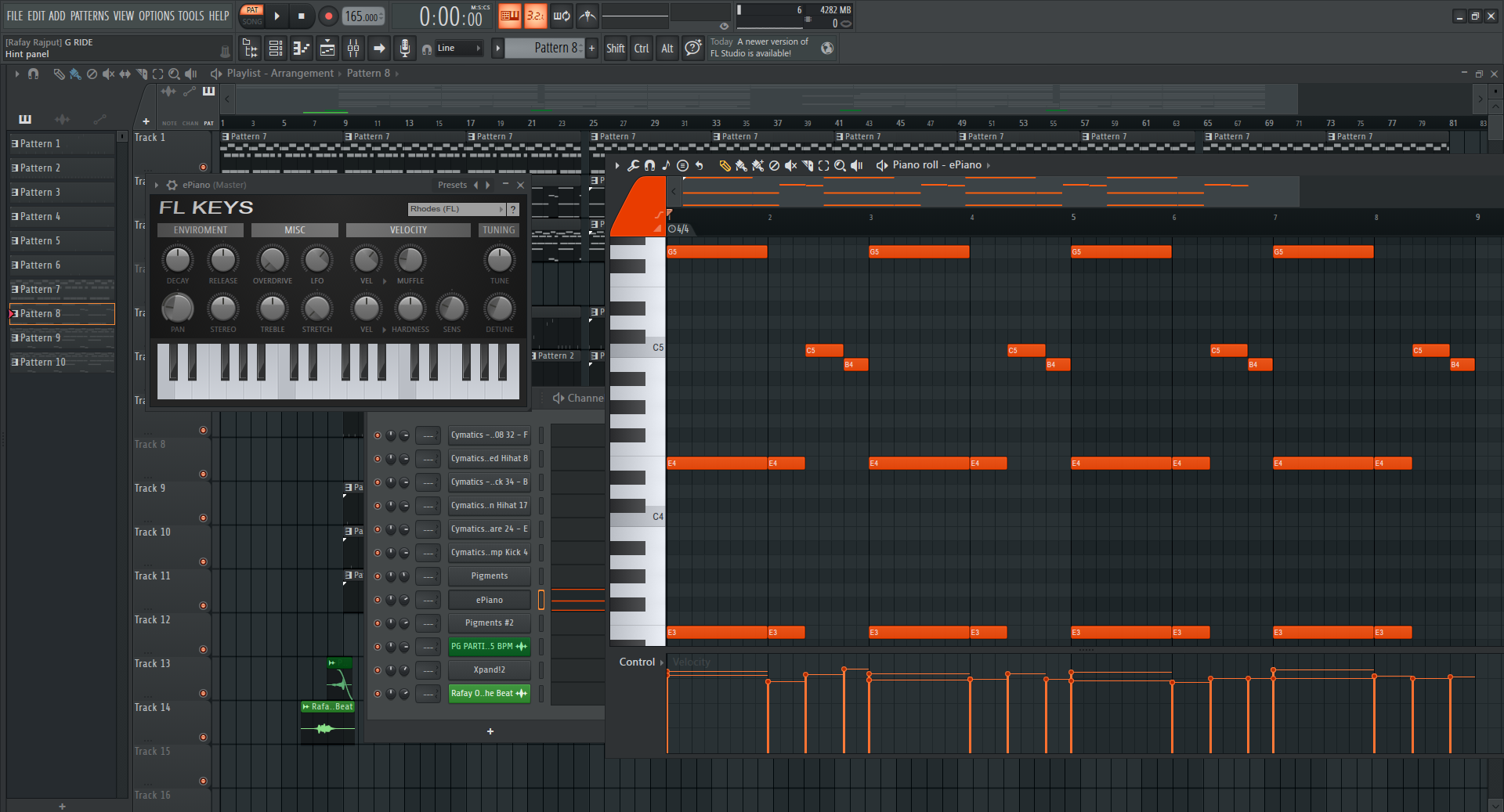
3. Keys Layer (Counter Melody)
This is a subtle but important layer.
Adds movement
Prevents repetition from sounding boring
Creates a wider stereo feel played with Arturia Pigments 4
4. Strings
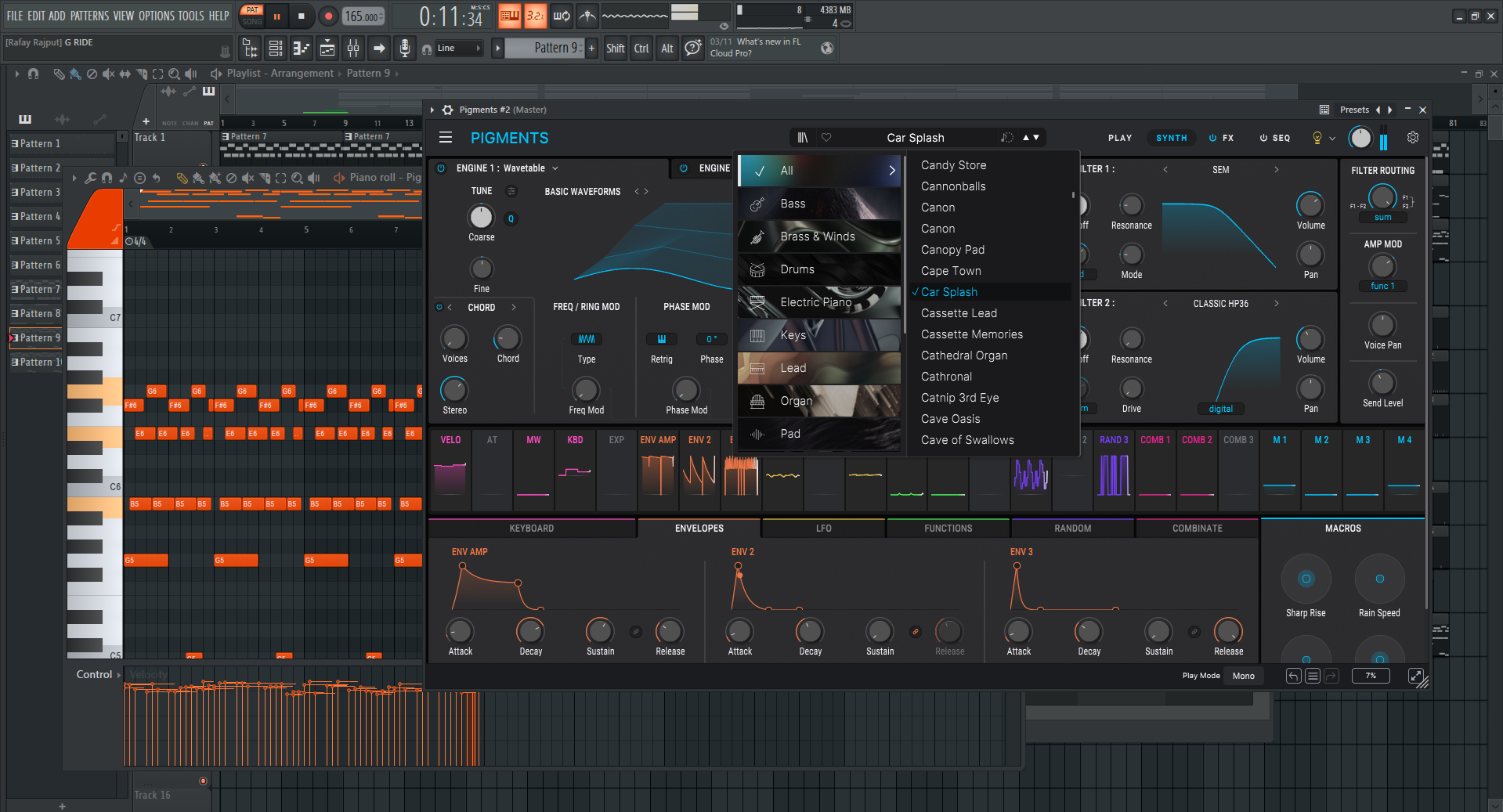
Strings are introduced later in the arrangement.
Why this matters:
Adds cinematic emotion
Elevates the beat from simple trap → anthem level
Perfect for hooks or chorus sections
This is a common trick in street beats:
Start minimal → introduce strings → create impact I used Xpand!2 for this
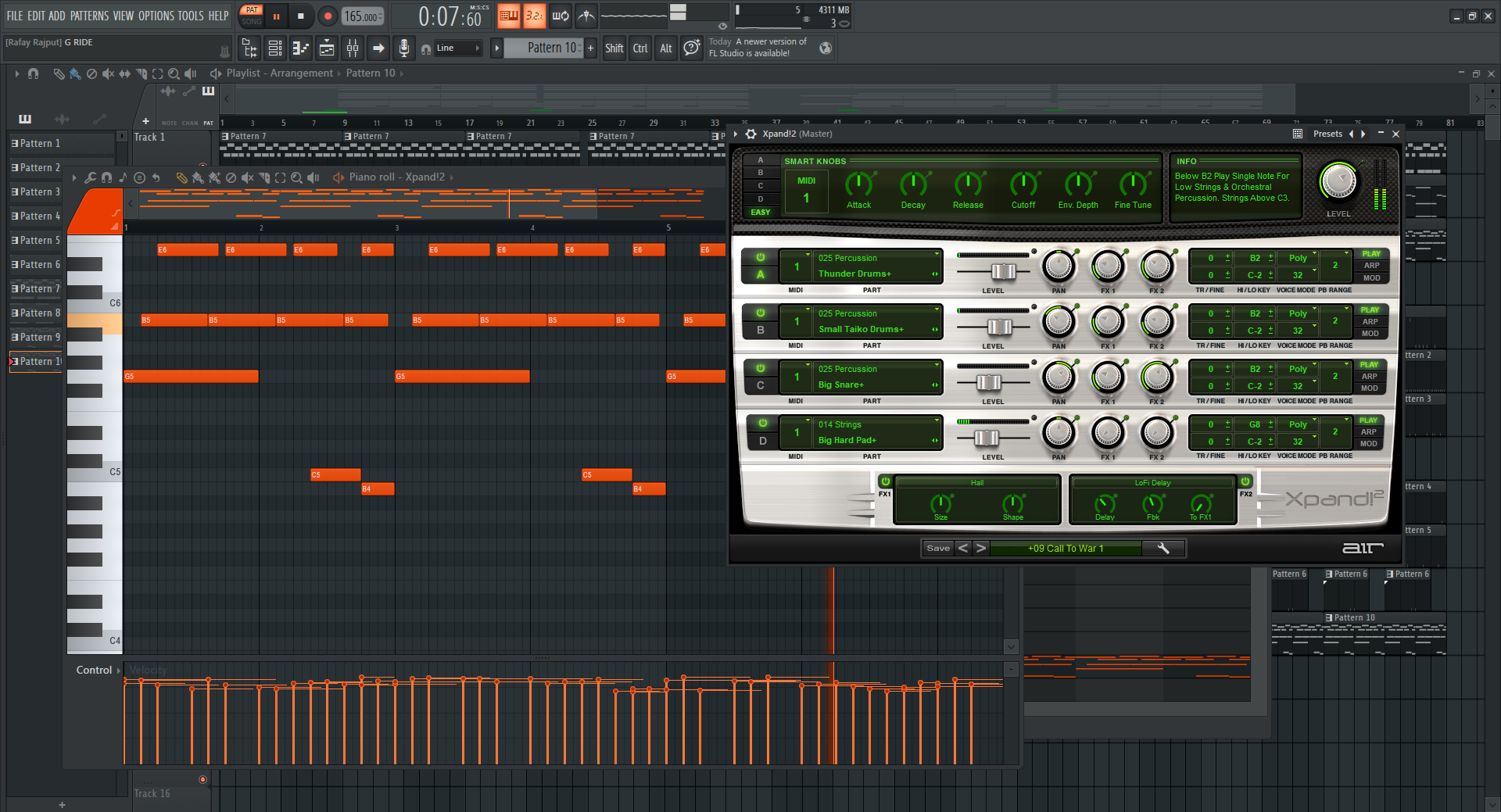
In G Ride Beat, the 808 is deep, clean, and perfectly aligned with the melody. It provides the low-end power that drives the track, and the kicks are punchy and well-placed, working closely with the 808 to create a solid groove.
Fast hi-hat rolls and patterns add movement and rhythm. Variations in the hi-hats keep the beat dynamic.
The snare follows classic trap placement, giving the beat a familiar bounce that artists can easily flow over, and a unique addition to this beat, the stomp adds extra aggression and energy, making the rhythm feel more alive.
Open hats are used to accent transitions and enhance groove, especially during hook sections.
And Transitions are key to maintaining flows
These elements ensure that the beat moves smoothly from one section to another without feeling abrupt.
Multiple melodic layers create richness:
Piano + chords + keys + strings
Not all elements play at once:
Sections are stripped down strategically
Patterns loop, but:
4. Elements are added/removed. Keeps it interesting
Drum Bounce Control
Hi-hats and kicks create groove without overcrowding.